
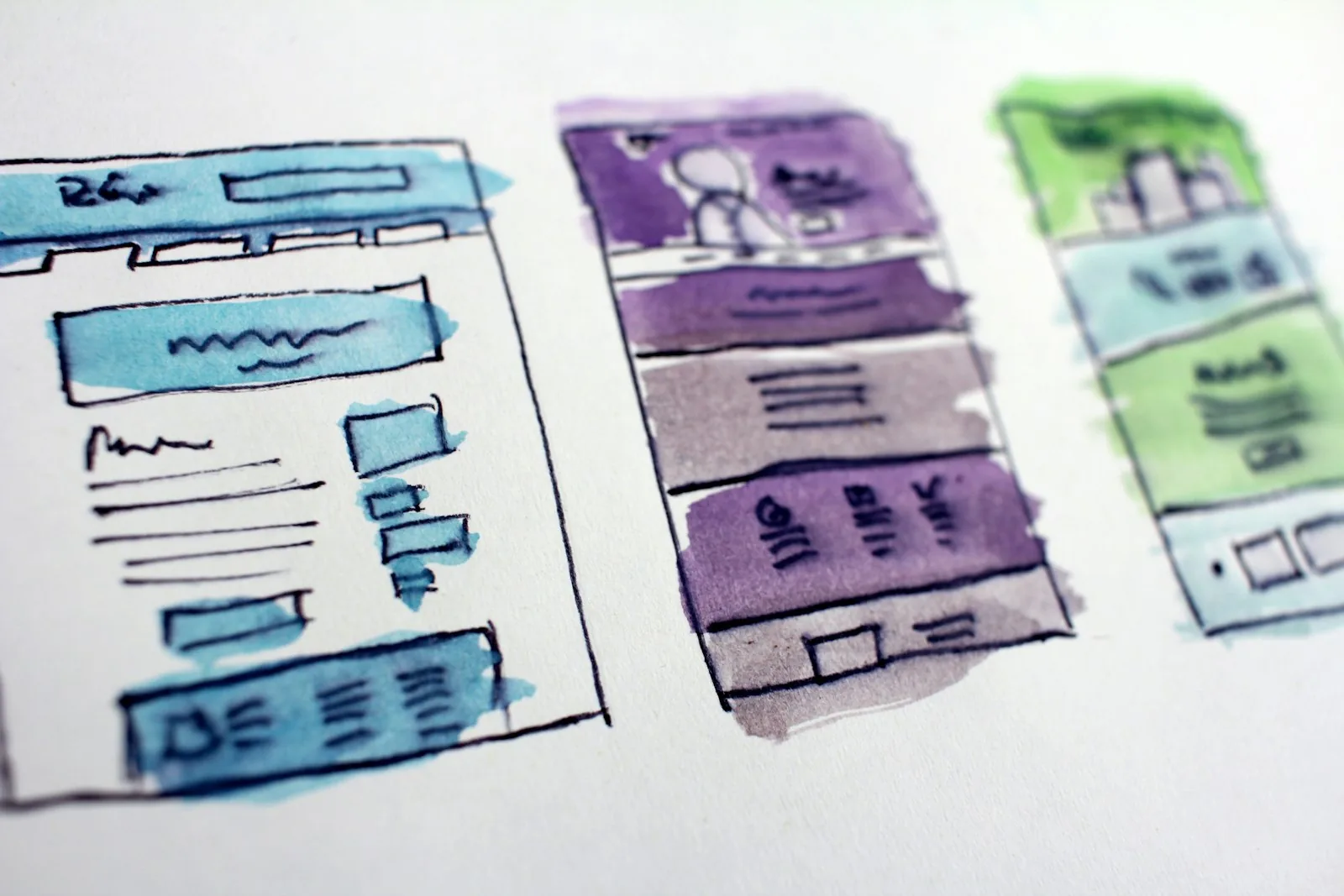
Designing for Accessibility: A Key Consideration for UI/UX Success
In the fast-paced world of digital products, ensuring accessibility in UI/UX design cannot be overlooked. While many developers and designers are aware of accessibility guidelines, it is crucial to understand that designing for diverse users is not just a legal obligation but also a strategic advantage for your business.
When we talk about accessibility, we are referring to the practice of making applications and websites usable for people with disabilities. This includes users who may have visual, auditory, motor, or cognitive impairments. By prioritizing accessibility, we can create digital solutions that are inclusive, which not only demonstrates social responsibility but also has a tangible impact on your bottom line.
One of the most critical considerations in accessibility is ensuring that visuals convey information effectively. This includes utilizing color contrast that meets industry standards, so users with visual impairments can differentiate between elements easily. It is also essential to consider those who may be color blind. Using shapes, textures, and labels in addition to color can help make information accessible to all users.
Another common pitfall is neglecting keyboard navigation. Many users rely on keyboard shortcuts to navigate rather than a mouse. Ensuring that your site or application is fully navigable via keyboard alone is vital. This includes making sure that all interactive elements are reachable and operable without the need for a mouse.
With the rise of voice-assisted technology, optimizing for voice commands is becoming increasingly important. This may involve making sure that your content is organized in a logical flow, so users can easily find the information they’re looking for when using voice navigation. If you are not considering this aspect, you could be missing out on a significant segment of users who depend on voice controls.
Additionally, providing alternative text for images is an often-overlooked aspect of accessibility. Users who use screen readers depend on this text to understand what an image represents. Simple descriptive text can make a profound difference in user experience, allowing everyone to engage with your content effectively.
Testing your product with real users who have disabilities can reveal practical insights that automated tools may miss. Engaging users with varying needs during your design and testing phases will help identify barriers and areas for improvement. This approach not only enhances accessibility but also enriches the overall user experience for everyone.
Furthermore, educating your team on accessibility principles from the outset will lay the groundwork for a culture of inclusivity within your organization. This is not a one-time effort but an ongoing commitment to adapt and improve as new technologies and standards emerge.
Ultimately, designing with accessibility in mind creates an opportunity to reach a broader audience. As businesses continue to cut through a competitive landscape, creating products that cater to all users will set you apart. Not only will you meet legal requirements, but you will also foster a loyal customer base that appreciates your commitment to inclusivity.
If you are planning a similar project or need expert guidance, we would be happy to help. Whether you are validating an idea, improving an existing product, or building something from scratch, our team is here to assist. Chat with us on WhatsApp for the fastest response or email us at contactus@avokado.co.
Have a project in mind?
Tell us what you're building — we'll get back to you with next steps.
Get in touch


Comments (0)
Sign in with Google to post a comment